Turn your recordings into notes you can actually study from
Every student has a phone full of lecture recordings nobody ever listens to again. Watch the short walkthrough, then work through the simple system below: record it right, turn it into searchable notes, and keep the rest of your study life tidy.
Get one Clipnote study tip by text, weekly
The back-to-basics recording-to-notes system
No apps to master, no new habits to invent — just five plain steps that turn dead audio into notes that earn their keep:
- 1 — Record it right. Sit where you can hear, put the phone face-up near the front, and start recording before the lecturer starts talking. A clean recording is the whole game.
- 2 — Turn audio into text the same day. Memory fades fast. Get the recording transcribed into notes while the lecture is still fresh, and skim the text once — that first skim is where most of the learning happens.
- 3 — Mark the moments that matter. Highlight the definitions, the formulas, and anything the lecturer said twice. Those marks become your revision list.
- 4 — Search, don't scrub. When a topic comes up before an exam, search your notes for the word instead of dragging through an hour of audio. Seconds, not evenings.
- 5 — Protect the machine it all lives on. Your notes, logins and files sit on one laptop. Keep its passwords managed and its files backed up — losing a semester's notes the week before finals is a disaster with a simple prevention.
Black Friday is when every study tool shouts at once. The system above does not change with the season — judge any deal by which step it genuinely helps, and skip the rest.
Affiliate disclosure: if you sign up through the link below, we may earn a commission at no extra cost to you.
Start with step 5: NordPass keeps every study login — library, course portals, email — in one password manager, so the notes you build are never locked behind a password you forgot.
Tools matched to each step
Affiliate disclosure: the cards below are affiliate offers. If you sign up through them, MehyarSoft LLC may earn a commission at no extra cost to you. We place only offers that fit the step they appear under.
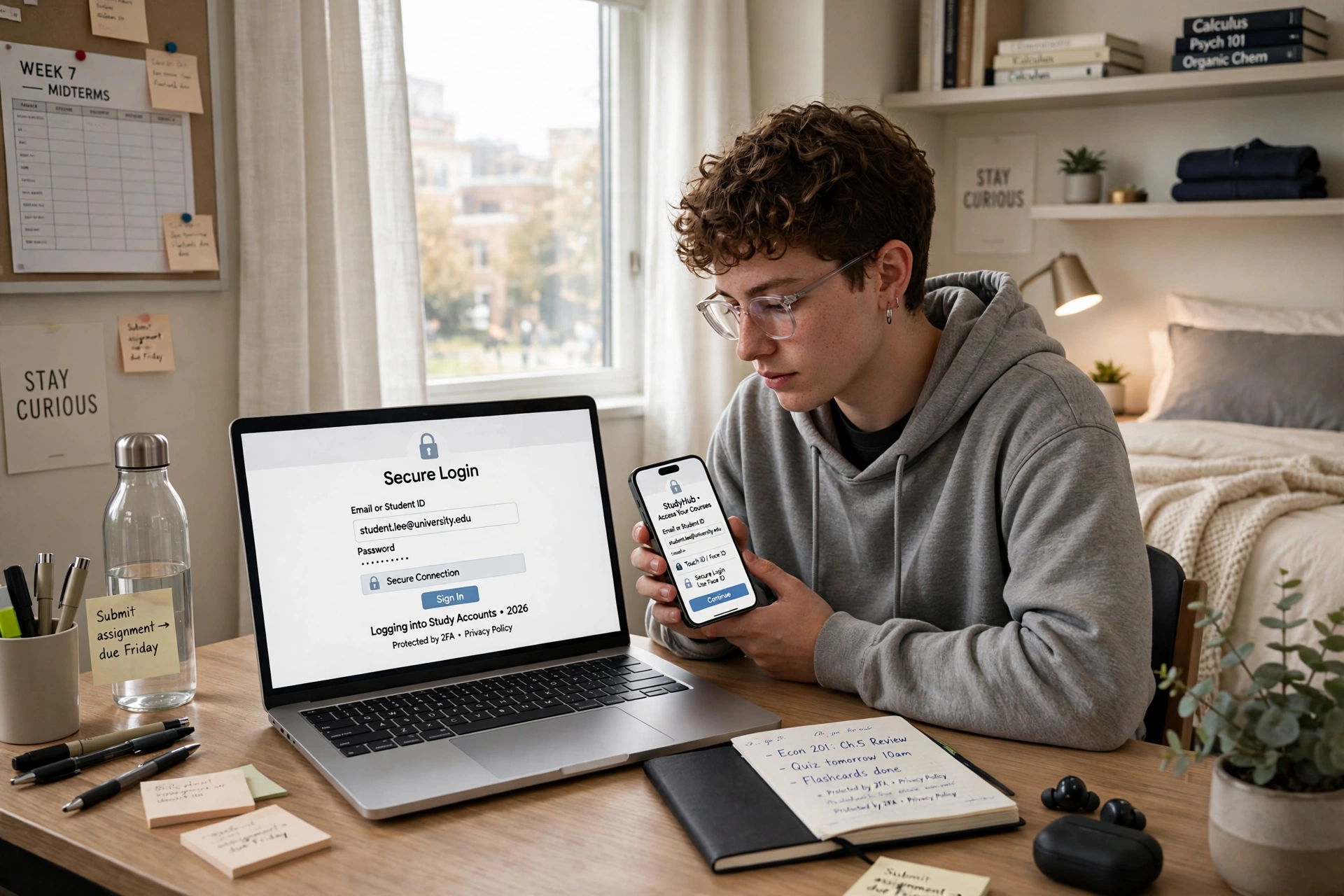
NordPass stores and fills your passwords across laptop and phone, so course portals, the library and your email are one tap away — and never reused or written on a sticky note.
See NordPass →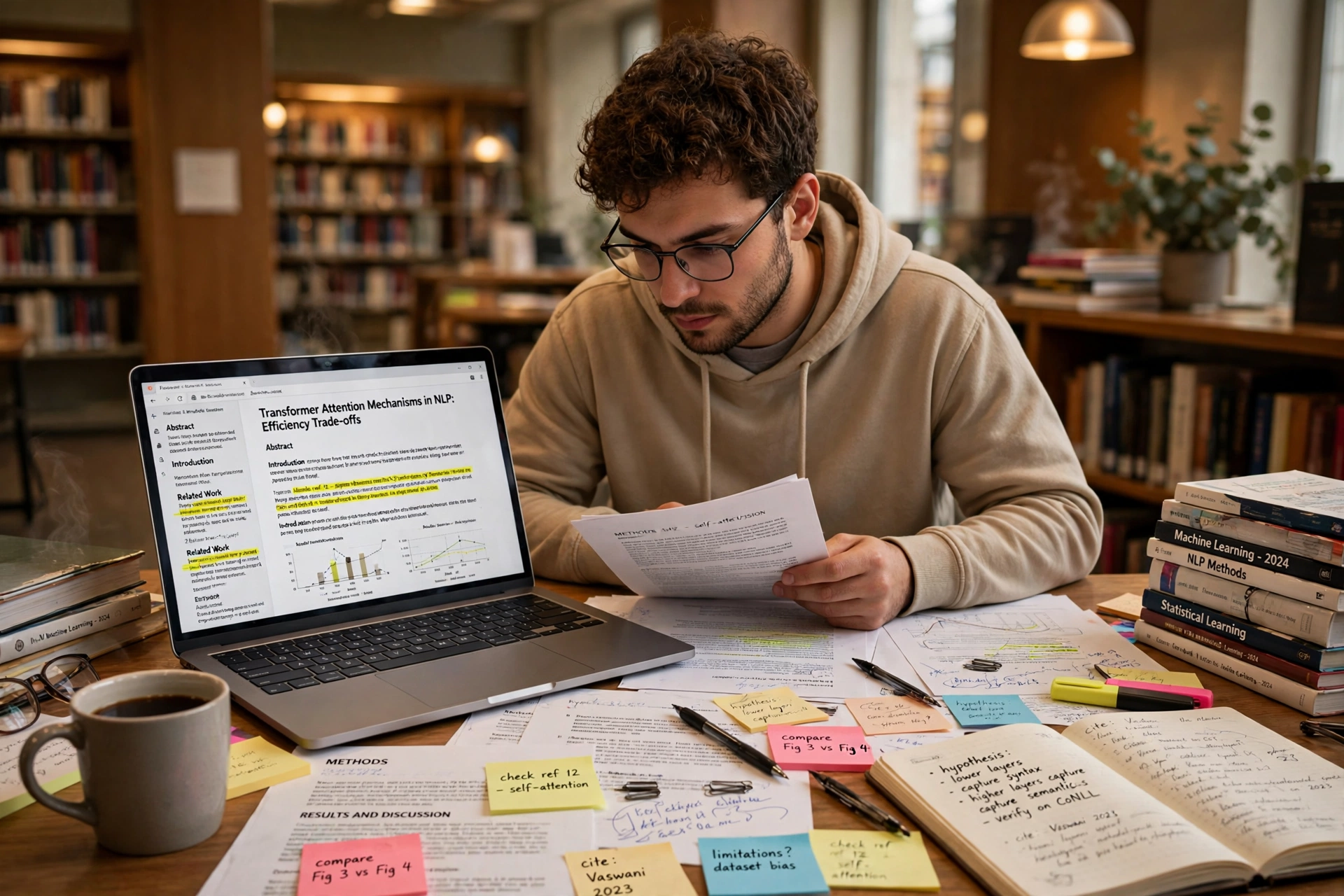
Papers AI is built for working through academic papers — the reading that piles up next to your lecture notes when essays and projects come due.
See Papers AI →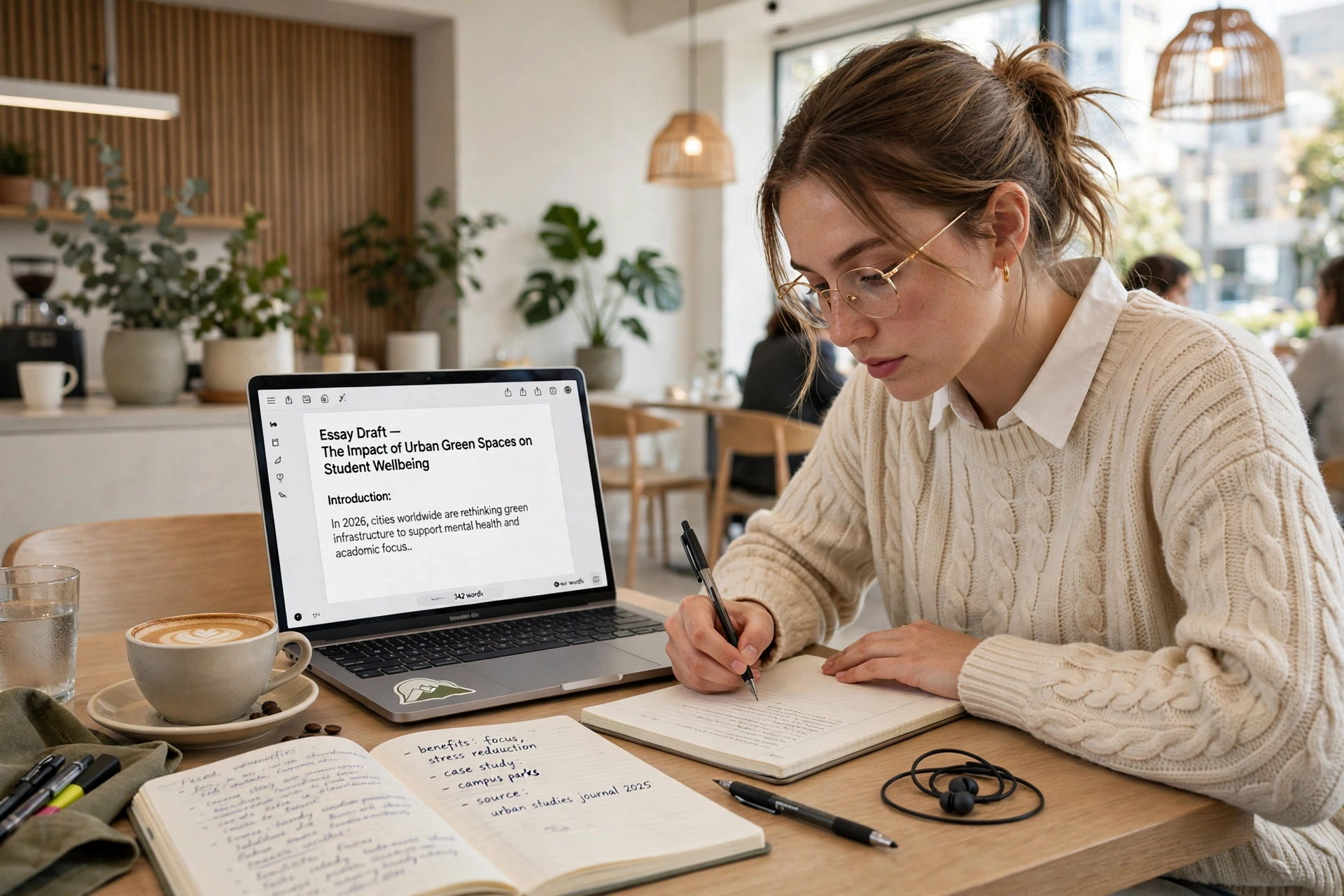
Articos is an AI writing assistant for drafting and structuring your own work — useful when your highlighted notes need to become an essay with a beginning, a middle and an end.
See Articos →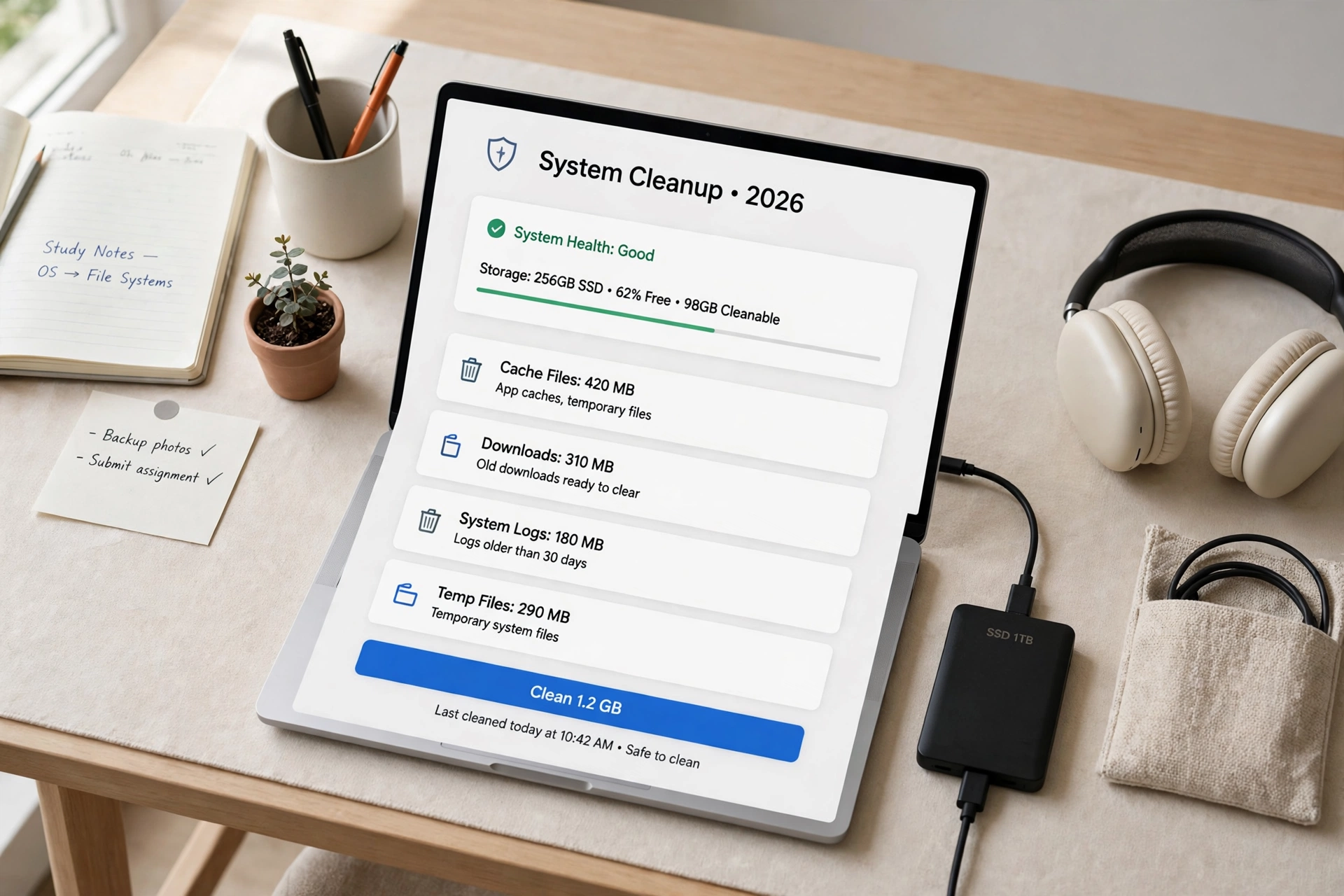
Abelssoft's Windows utilities handle the unglamorous jobs — cleanup, tuning and everyday maintenance — so the machine your notes live on stays quick instead of slowing down mid-semester.
See Abelssoft →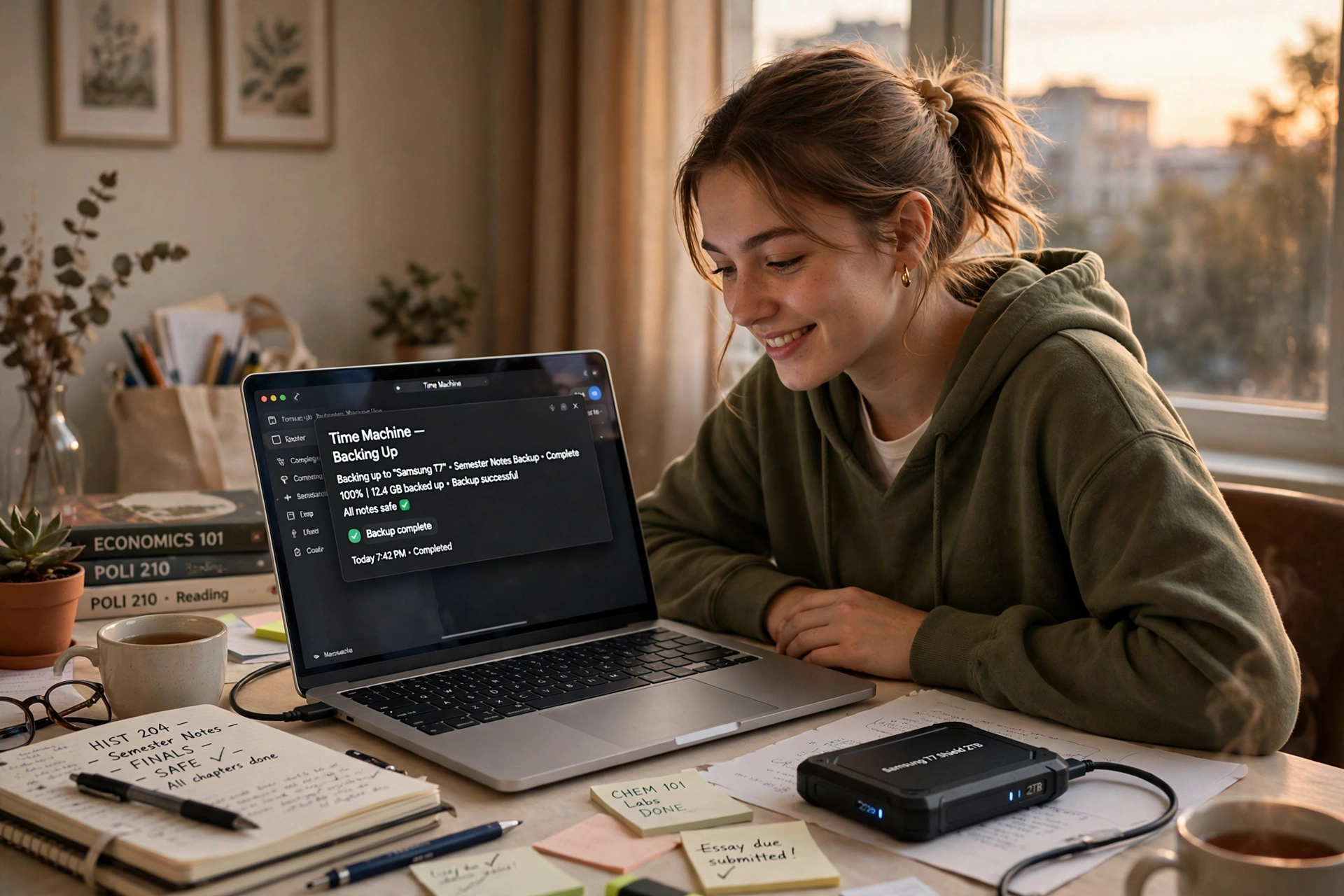
O&O Software's backup and disk tools exist for one bad day: the crash, the lost file, the corrupted drive. Set the backup up once, and a semester of notes survives it.
See O&O Software →Get one Clipnote study tip by text, weekly
One short text a week: a practical recording, note-taking or study-system idea you can use the same day, plus one offer matched to the steps above. No daily blasts, no spam.
Keep going
Affiliate disclosure: links below are affiliate links; we may earn a commission at no extra cost to you.
Pick your weakest step: secure your logins, get research help, or back up your notes.
Working a side gig around your classes? See our sister guide at HustleKit — surveys that pay, honestly explained.